
A finished Notion template, a Lightroom preset pack, a brand asset bundle, or a short course can feel like the easy part. The hard part starts when the file is done and the harder questions arrive, like who pays tax, how the buyer gets access, what happens if the link breaks, and whether the sale can be supported without constant inbox triage.
That is why how to sell digital downloads is really a question about running a small rights-and-delivery business, not just uploading a file. The sellers who do well build around clear product pages, secure payment, instant delivery, licensing, refunds, and a support process that does not collapse the moment buyers ask for help.
What It Actually Takes to Sell Digital Downloads
A founder with a finished file often thinks the launch decision is about design polish. It usually isn't. The core decision is whether that file can live inside a system that handles payment, access, and customer expectations without turning every sale into a manual task.
Take the creator who has a polished template sitting in a folder, ready to go. If the transaction happens on a marketplace, the platform may absorb some of the tax and checkout burden, but the seller gives up control. If it happens on a hosted storefront or direct checkout, control rises, but so do the responsibilities around support, refunds, and tax treatment.
Practical rule: the product is not just the asset, it's the promise around the asset, including what the buyer gets, when they get it, and what happens if something goes wrong.
The historical lesson from digital distribution is blunt. Convenience and instant fulfillment changed buying behavior once the iTunes Store made paid digital purchases normal for mainstream buyers, and the same pattern still matters for downloadable products today. Buyers want immediate access, clear product information, and a checkout they trust, not a messy handoff that requires a support ticket just to open the file.
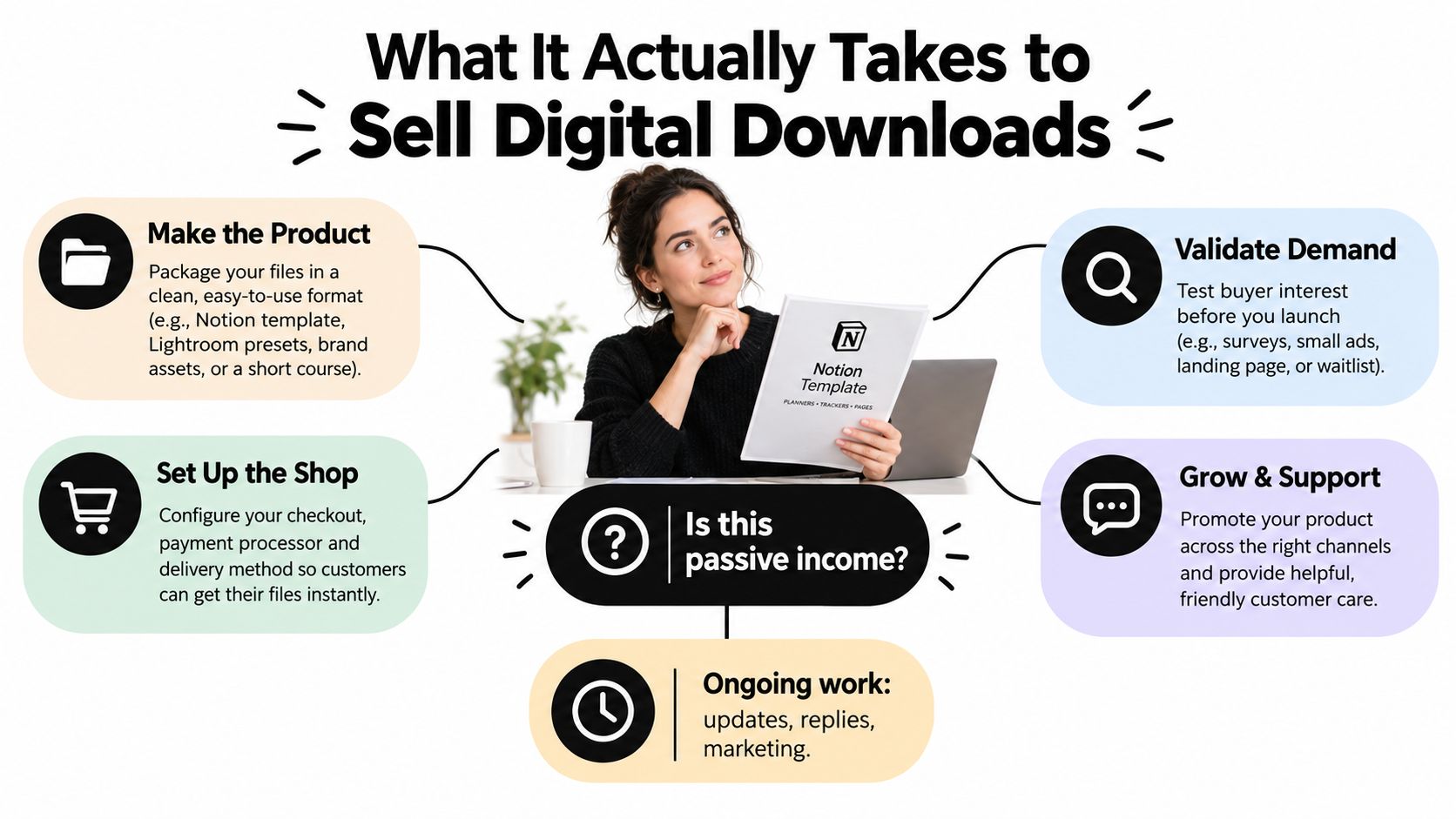
That means every seller makes three structural decisions early. First, where the transaction happens. Second, who is the merchant of record and therefore responsible for parts of tax handling. Third, how support and updates will be handled after the file is delivered.
A product that can't survive those three decisions is usually not ready. A product that can survive them can scale far beyond a one-off launch, because the business no longer depends on the founder being present for every handoff.
For naming and positioning, the storefront itself matters more than many creators expect. A strong store name can shape trust before a buyer even sees the offer, and a useful reference on that front is this guide to memorable online store names.
Validating Your Product and Preparing the Files
The fastest way to waste weeks is to build a giant bundle before anyone has asked for it. A better path is to validate with a smaller offer, then package it cleanly, then test the buying experience before launch.
Start with demand, not volume
A minimum viable download is enough to learn whether the market wants the outcome. That could be a single template, a compact guide, or one asset pack that solves a narrow problem. A landing page and a waitlist are usually more useful than a sprawling bundle that only looks impressive inside a draft folder.
The goal is not to prove the internet is excited. The goal is to prove specific people want a specific result badly enough to click, join, or pre-buy. For a solo creator, that's a better signal than adding more files.
A useful complement to this early work is a clean domain and brand decision. If the product is going to be sold as a standalone asset, the name needs to be easy to remember, easy to trust, and easy to reuse later, which makes this domain-naming walkthrough relevant before the store ever opens.
Package the asset like a small product system
The asset manifest is the part many sellers skip, then regret later. It should list every file included, the format, the version, the resolution, the license status of fonts or stock items, and the buyer's allowed uses. That is what keeps a simple download from turning into a support mess.
A buyer who knows what is included is less likely to ask for clarifications after payment. A buyer who doesn't know what is included often becomes a refund request waiting to happen.
Here's the simple print-and-tick checklist:
- List every file: name the exact SVG, PNG, PDF, ZIP, source file, or editable link that will ship.
- State usage rights plainly: say whether commercial use is allowed, and whether redistribution is not allowed.
- Check versions and labels: make sure the file names and storefront copy match.
- Open each file on desktop and mobile: don't assume a file works just because it opens once.
- Test the archive: confirm the ZIP or bundled file isn't broken.
- Write a one-page readme: answer the questions a confused buyer would ask first.
Polish the product page before launch
The storefront should mirror the files exactly. If the page promises editable source files, the buyer must receive editable source files. If the page suggests a bundle, the manifest must support that claim. Any mismatch creates a trust gap that shows up later as support email, not just as a bad review.
A one-page usage guide is often enough. It should tell the buyer what was purchased, how to access it, how to use it, and where to ask for help. That small document reduces friction more than most creators expect.
Choosing Where the Transaction Happens
The transaction channel shapes almost everything else. Fees matter, but tax responsibility, checkout friction, and customer control matter just as much.
| Option | Typical Fees | Merchant of Record | Best For |
|---|---|---|---|
| Marketplace | Usually a larger platform cut plus payment processing | Often the platform | Fast validation, built-in traffic, lower compliance load |
| Hosted storefront | Platform fee plus payment processing | Usually the seller | Creators who want more control without fully custom commerce |
| Direct checkout | Payment processing, plus any tool fees | Usually the seller | Sellers who want full control and can handle tax, refunds, and support |
Marketplace first, control later
Marketplaces can be the easiest entry point because they reduce some of the operational burden. The trade-off is obvious, the seller gives up part of the customer relationship, branding control, and often pricing flexibility. That works best when the product is still being tested or when discovery matters more than custom presentation.
A marketplace also makes the buyer experience feel familiar. That can help conversion, but it can also keep the seller dependent on someone else's rules.
Hosted storefronts sit in the middle
A hosted storefront gives the seller more control without requiring a fully custom build. That middle ground is useful for creators who care about branding, upsells, and better product presentation, but don't want to manage every technical layer themselves.
This is often the sweet spot for sellers who have one or more proven downloads and want a more stable home for them. It's a practical compromise, not a permanent identity.
Direct checkout gives maximum control
Direct checkout gives the seller the most freedom and the most responsibility. It can work very well, but only if the seller is prepared to handle taxes, refunds, and chargebacks with discipline. It also requires a tighter internal process for support and delivery, because the buyer expects the seller to own the entire experience.
For sellers choosing between these paths, the decision usually comes down to geography, product type, and how much compliance overhead they want to absorb. A small seller serving one market can often start simple. A seller serving multiple countries needs a clearer merchant-of-record strategy before scaling traffic.
For a brand naming angle that fits a storefront or product line, this Shopify naming guide is a useful reference when the store name has to support future products, not just one launch.
How AmaJova Can Help
Some sellers don't need a full storefront. They need a single link that explains the offer, sets expectations, takes payment securely, and keeps the order record tied to fulfilment and support. That's where AmaJova fits best.
AmaJova turns services, physical products, digital products, and live sessions into a single OfferLink, with the buyer seeing title, inclusions, price, and fulfilment details before paying. For a digital download, that matters because confusion usually starts before the transaction, not after it.
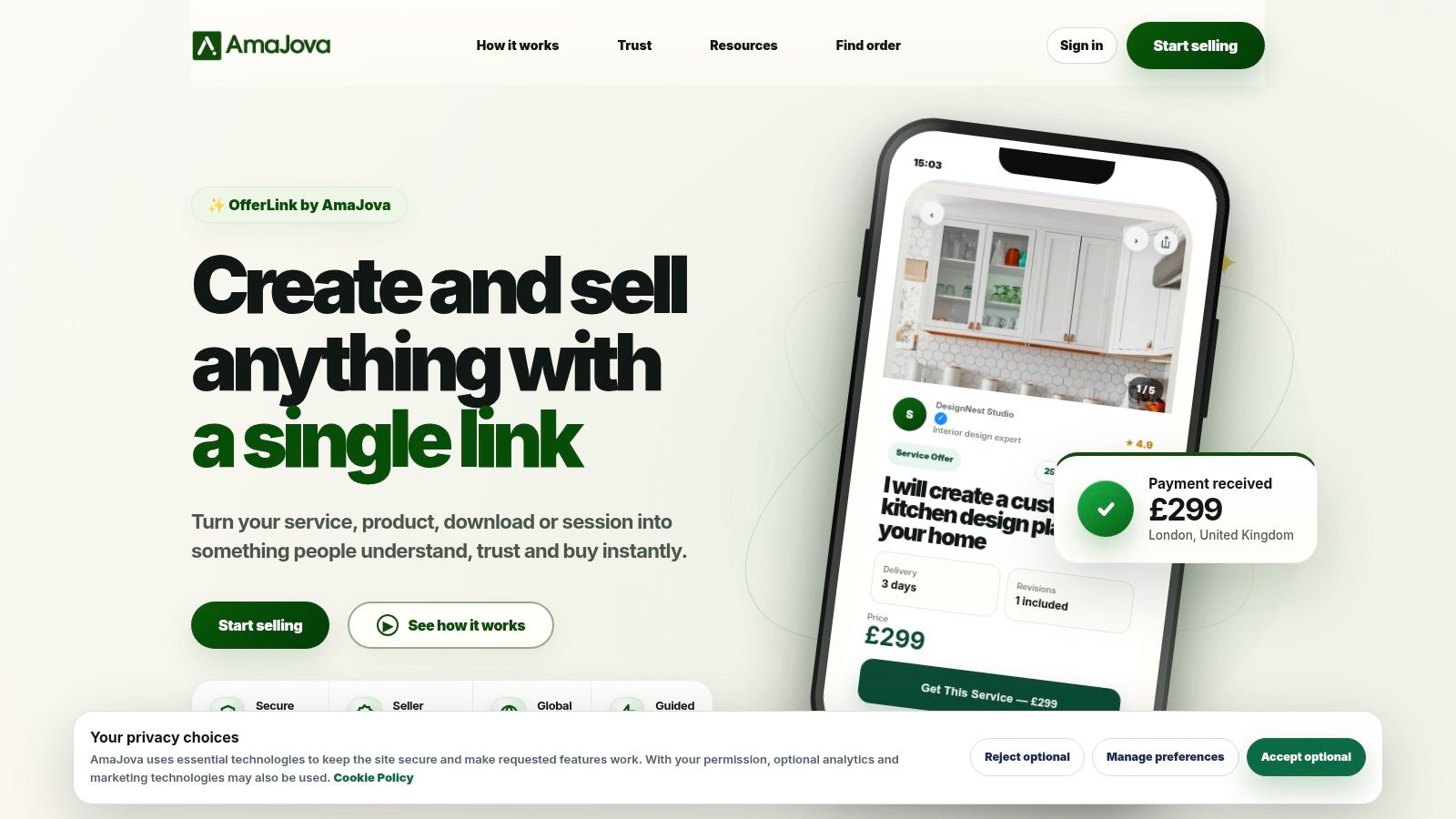
The platform is especially relevant when the seller wants less technical overhead and more clarity in a single flow. Its OfferLink structure supports digital products, secure checkout, order messages, delivery steps, payment record, dispute status, and completion tracking, so the transaction doesn't get scattered across multiple tools.
A practical reason to look at a platform like this is checkout compression. Baymard's ecommerce research reports approximately 70.22% average cart abandonment, and its checkout testing suggests that large ecommerce sites could achieve a 35.26% conversion-rate increase through checkout design improvements alone, which makes simplicity a real business issue, not a cosmetic one. Baymard also reports that 17% of US online shoppers abandoned an order because checkout was too long or complicated, and 18% because they didn't trust the site with their card information. Those are the kinds of friction points a single-link flow is trying to reduce. Baymard's cart abandonment research and Baymard's checkout UX findings make the same point from different angles.
Where AmaJova stands out is not just checkout. It also centralises the after-sale record, which matters when delivery, follow-up, and support need to stay attached to the same order. For sellers who don't want to engineer that entire stack themselves, this resource on selling digital products is a useful place to compare workflow expectations against the product setup.
Pricing, Checkout, and Instant Delivery
Pricing a digital download is less about what it cost to make and more about what outcome the buyer is purchasing. A template that saves a client hours of work can justify a stronger price than a simple PDF, while a bundle often has more pricing room than a single isolated file.
Price against value, not effort
Single items can work well when the buyer wants one job done fast. Bundles work better when the buyer wants a broader outcome or a more complete system. The historical digital-download data points in the same direction, because bundled digital-album purchases retained a larger share of download revenue than single-track sales in the later part of that market cycle, which suggests higher-value editions can protect revenue when demand shifts.
That doesn't mean every product should be a bundle. It means sellers should test whether the buyer wants a narrow asset or a fuller package. Two or three price points are usually enough to learn which version feels natural in the market.
Best pricing move: sell the result the buyer wants, not the time it took to make the file.
Compress the checkout path
Checkout is where many sales die. The main failure points are surprise charges, forced account creation, extra steps, missing preferred payment options, and unclear delivery timing. A one-page or tightly compressed checkout solves more than one of those problems at once.
Use visible total cost, including taxes and fees where applicable. Put the refund policy close to the payment decision. Show the payment methods the buyer most likely wants to use. If the funnel feels like a form-filling exercise, it's too long.
For sellers using direct checkout, the question of tax-inclusive pricing matters more than many guides admit. A price that looks competitive on the product page can feel misleading at checkout if the buyer sees extra costs only at the end. That's one reason marketplaces and merchant-of-record setups can be easier to launch with, even if they're not ideal long term.
Make delivery feel instant and reliable
Digital delivery should be boring in the best way. The buyer pays, receives a confirmation email, clicks a unique link, and gets the file immediately. The download URL should be tied to the order, time-limited, and recoverable if the buyer loses access later.
A recovery path matters because blocked inboxes, expired links, and mobile email quirks happen. The seller should be able to resend access without exposing a public asset URL.
For the launch decision itself, the revenue question is simple. A product that offers permanent ownership, editable files, offline access, or commercial rights usually has a clearer reason to buy than something that feels replaceable. The seller should build around that reason and avoid overcomplicating the first purchase path.
Licensing, Refunds, and Cross-Border Tax
Most sellers underbuild the legal side of a digital product. That usually shows up later as confusion over commercial use, refund requests, and tax handling across countries.
Make the license plain enough to skim
A good license says exactly what the buyer can do. It should answer whether commercial use is allowed, whether redistribution is forbidden, whether the file can be resold, how many end products can be made, and whether the license applies per seat, per company, or forever.
If the license is vague, buyers guess. When buyers guess, support tickets follow.
A short, plain-language license is usually stronger than a long one full of legal fog. The buyer doesn't need to admire the wording. The buyer needs to know whether the purchase fits the intended use.
Set refund terms before the first sale
Refunds need a policy, not improvisation. Many sellers choose a window in the range of a few days to a few weeks, then define the conditions clearly. A common standard is that the buyer hasn't downloaded or used the files, but whatever the rule is, it should be easy to find and easy to apply.
Automation helps here because manual review can become a bottleneck. If every request needs a long email chain, refund handling starts slowing the rest of the business down.
Treat tax as part of the product design
Cross-border tax obligations depend on who the merchant of record is, where the buyer is located, and how the sale is structured. Marketplace setups can shift some of the burden to the platform, while direct checkout generally leaves more of the responsibility with the seller.
That's why tax-inclusive pricing can improve trust. Buyers prefer clarity, and sellers need records that hold up later. Keep invoices with buyer location, transaction date, net amount, tax collected, and download log, then retain them for as long as your jurisdiction requires.
For a direct seller, the passive-income story starts to break down. The download may be automated, but the business still needs rules, records, and a response path when a buyer disputes the charge or asks about local tax treatment.
Promotion, Support, and the Post-Purchase Reality
A digital download can sell once and still create work for months. Once the file is live, the business depends on promotion, buyer support, and updates that keep the offer usable.

The strongest sellers treat downloads as an operations-and-rights business, not a passive side hustle. Kajabi's creator-economy discussion points in that direction, with reported 2025 data showing digital-download revenue growth of 20% and 59% of creators identifying as entrepreneurs, up from 50% the previous year. Visa's 2025 creator study found that 68% of surveyed creators considered themselves small-business owners, 26% reported payment delays affecting their ability to produce content, and 30% wanted faster access to earned money. That mix matters because the buyer experience sits inside real cash-flow timing, support load, and rights management. Kajabi's creator-economy discussion captures that shift clearly.
Build promotion around launch moments
A launch sequence usually works better than a slow drip. Warm the email list, borrow attention through a partner swap, then open with a clear offer and a reason to act now. Limited-time pricing or a bonus can help, but only after the product already solves a real problem.
Promotion should match product maturity. A first release needs proof and clarity. A revised release can lean more on testimonials, bundles, or a better edition.
Support should be narrow, not chaotic
The post-purchase email flow should handle three jobs, payment confirmation, access instructions, and support guidance. That guidance should cover usage, licensing, refund conditions, and the best place to ask for help.
A short support window can help with higher-trust products. Buyers do not want endless chat threads. They want confidence that a real person will answer if the file does not work or if a version needs correction.
Update policy and feedback loop matter
Some downloads can stay static. Others need versioning, compatibility checks, or content corrections. The seller should say which category the product falls into, then use buyer questions as a source of product ideas and future updates.
Buyers return when the product still works, the instructions still make sense, and the seller still answers the small questions fast enough to matter.
A seller who tries to automate everything often creates the exact problem automation was supposed to remove. A small, reliable support promise usually works better than a large, vague one.
Your 90-Day Launch and Growth Checklist
The first 30 days should be about validation and setup. Confirm demand with a waitlist or presale, finalize the asset manifest, write the license, decide whether the price should be tax-inclusive, and choose the transaction channel. If the product can't survive that list, it's not ready for traffic.
Days 31 to 60 are for launch and measurement. Publish the storefront, wire up compressed checkout with the preferred payment methods, activate unique time-limited download links, and track product-page view-to-cart, checkout completion, download activation, refund, and support-contact rates by device and traffic source. The seller needs a baseline before changing anything.
Days 61 to 90 are for iteration. Review funnel metrics, test one checkout improvement, add a bundle or higher-value edition, publish a partner or affiliate program, and write the first update based on buyer questions. At that point, the product is no longer a file on a laptop. It's a living offer.
Pause and fix the system if refunds start rising, if transfer or download failures show up, or if cart abandonment spikes without a clear explanation. More traffic won't repair a broken handoff.
For founders who want a more guided way to package that offer, explore OYZTA, where brandable .com domains come paired with a ready-to-use wordmark logo, then use that name to launch the digital download business with a cleaner first impression and a more trustworthy checkout path.